Watermarks & Quality8 min readPublished October 19, 2026
TikTok Downloader Without Watermark: Understanding HD and 4K
By TTsave Editorial Team•Video Compression Specialist
Quick Answer / Key Summary
A no-watermark TikTok download refers to retrieving the original video file uploaded by the creator before the social network overlays its bouncing logo and author identifier. Clean files are critical for video editors, personal archiving, and cross-platform creators repurposing their own content.
What is a No-Watermark Download?
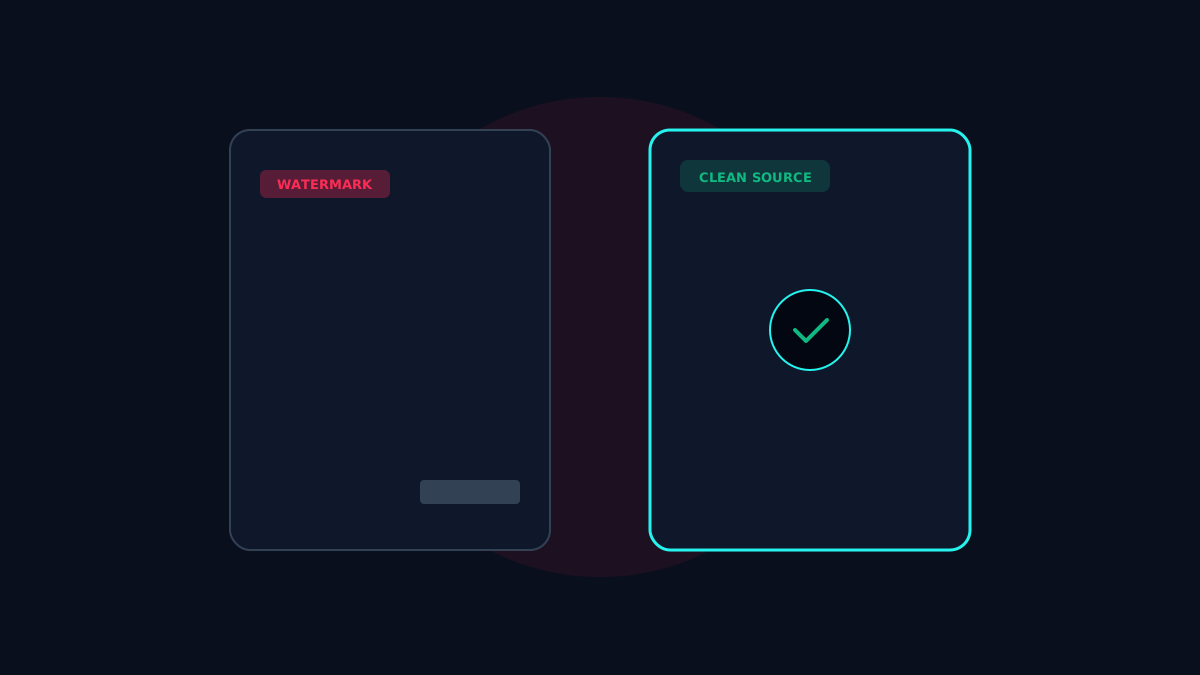
When you save a video via the official TikTok application, the app renders a semi-transparent bouncing logo and creator username across the top and bottom corners. A "no-watermark" downloader does not use blur filters or content-aware fill to smudge out the logo. Instead, it accesses the unblemished video file stored on the CDN before the client application ever applied the visual stamp.
Original Source vs. Exported Copy
Official App Export: Contains burned-in overlays, end-card animations, and compressed audio.
CDN Master File: Contains pure 1080p video frames with the creator's raw visual styling and pristine audio tracks.
Why Watermarks Are Applied by Default
Watermarks were introduced to preserve branding and intellectual property attribution when content is shared on third-party networks like Instagram, X, or YouTube Shorts. While beneficial for platform discovery, watermarks degrade aesthetic quality when creators want to archive their own footage.
Exporting Clean Content as a Creator
If you are a content creator looking to preserve your own clips:
Always keep local copies of your raw camera footage in your camera roll before uploading.
If you used TikTok's in-app camera and filters, save the draft before applying text or use TTsave to retrieve your clean published video file.
Copyright, Fair Use, and Ethical Attribution
Removing a watermark does not transfer copyright ownership. If you use clean footage in reaction videos, editorial reviews, or compilations, always provide clear onscreen attribution and credit the original creator.
Frequently Asked Questions
Does TTsave blur or crop the video to remove the watermark?
No. TTsave never crops or blurs video frames. We retrieve the clean original master file directly from TikTok CDN servers.
Is it legal to download watermark-free videos?
Yes, downloading public media for personal offline viewing, research, or fair-use commentary is completely standard practice.
Need to Save Authorized Media or Personal Content?
Use TTsave to download your TikTok videos, reels, and stories in 1080p Full HD or convert to 320kbps MP3 audio without watermarks. Completely free, no registration required.