Video Guides7 min readPublished October 19, 2026

TikTok Downloader MP4: Video Formats, Quality, and Playback

By TTsave Editorial Team•Video Compression Specialist
Quick Answer / Key Summary

MP4 (MPEG-4 Part 14) is the universal digital multimedia container format used by TikTok. It combines H.264 video compression with AAC stereo audio, ensuring that downloaded videos play instantly across iPhones, Android phones, MacBooks, Windows PCs, and smart TVs without third-party codec packs.
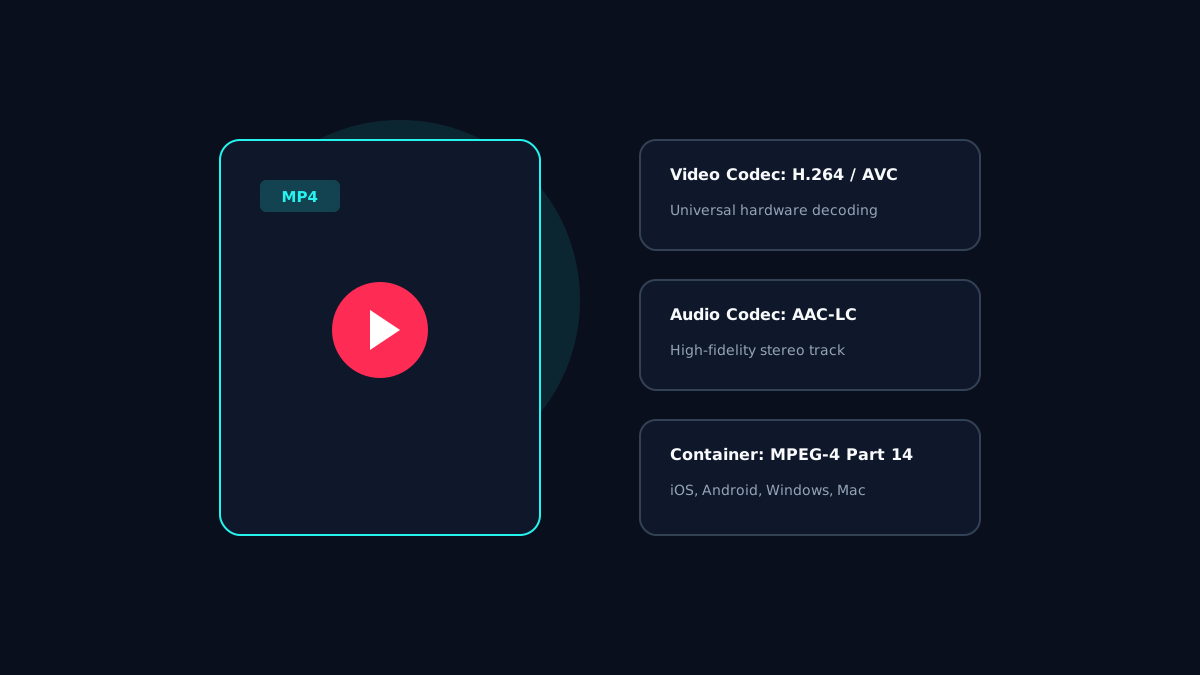
MP4 container architecture showing H.264 video and AAC audio stream multiplexing.

What is an MP4 Multimedia Container?

MP4 (MPEG-4 Part 14) is a digital multimedia container format commonly used to store video and audio streams, as well as subtitles and still images. Rather than being a single audio or video format, an MP4 functions as a standardized envelope holding synchronized tracks.

The Codecs Inside: H.264 Video and AAC Audio

Inside TikTok's MP4 files, two primary codecs manage visual and acoustic data:
  • H.264 / MPEG-4 AVC: The world's most widely adopted video compression standard. It offers reliable hardware decoding across every mobile processor manufactured over the past decade.
  • AAC (Advanced Audio Coding): Delivers clean stereo sound reproduction at compact bitrates.

  • Compression, Frame Rates, and File Size

    TikTok videos are recorded at 30 or 60 frames per second (fps). The file size of an extracted MP4 is determined by: $$\text{File Size} = \text{Duration (seconds)} \times \frac{\text{Total Bitrate (kbps)}}{8}$$ A typical 30-second 1080p video encoded at 5 Mbps results in an efficient file size of approximately 18MB to 22MB.

    Device Compatibility Across Windows, Mac, iOS, and Android

    Because MP4 is an open international standard, files downloaded through TTsave require no third-party media players:
  • iOS & iPadOS: Opens natively in the Photos app and QuickTime.
  • Android: Supported natively in Google Photos and Gallery apps.
  • Windows 10 & 11: Plays directly in Windows Media Player and Movies & TV.
  • macOS: Fully compatible with QuickTime and Apple Keynote.
  • Frequently Asked Questions

    Why does my downloaded video have no sound?

    This occurs if the original creator posted a muted video or if TikTok muted the clip due to regional music licensing restrictions.

    Do I need special software like VLC to play TTsave MP4 files?

    No. TTsave delivers standard H.264 MP4 files that play natively on every smartphone and computer.

    Official References & Authoritative Sources:

    Need to Save Authorized Media or Personal Content?

    Use TTsave to download your TikTok videos, reels, and stories in 1080p Full HD or convert to 320kbps MP3 audio without watermarks. Completely free, no registration required.

    Go to TikTok Downloader

    Related Editorial Guides

    Audio & MP3

    TikTok Sound Downloader: MP3, Audio Formats, and Safe Options

    Explore audio formats (MP3 vs AAC vs WAV), bitrate compression, soundtrack rights, and how to extract high-bitrate audio from TikTok clips safely.

    Read Guide
    Watermarks & Quality

    TikTok Video Downloader HD: Quality, Resolution, and Watermarks

    Demystifying video quality: resolution vs bitrate, 720p vs 1080p vs 4K claims, and how watermark processing impacts final visual clarity.

    Read Guide
    Desktop & Mobile

    TikTok Downloader for PC and Mac: A Desktop User Guide

    Master desktop video downloads on Windows 11 and macOS. Compare desktop browser workflows, shortcut management, and file storage strategies.

    Read Guide
    TikTok Downloader MP4: Video Formats, Quality, and Playback | TTsave