Troubleshooting9 min readPublished October 19, 2026
Can't Download a TikTok Video? Common Reasons and Fixes
By TTsave Editorial Team•Platform Security Engineer
Quick Answer / Key Summary
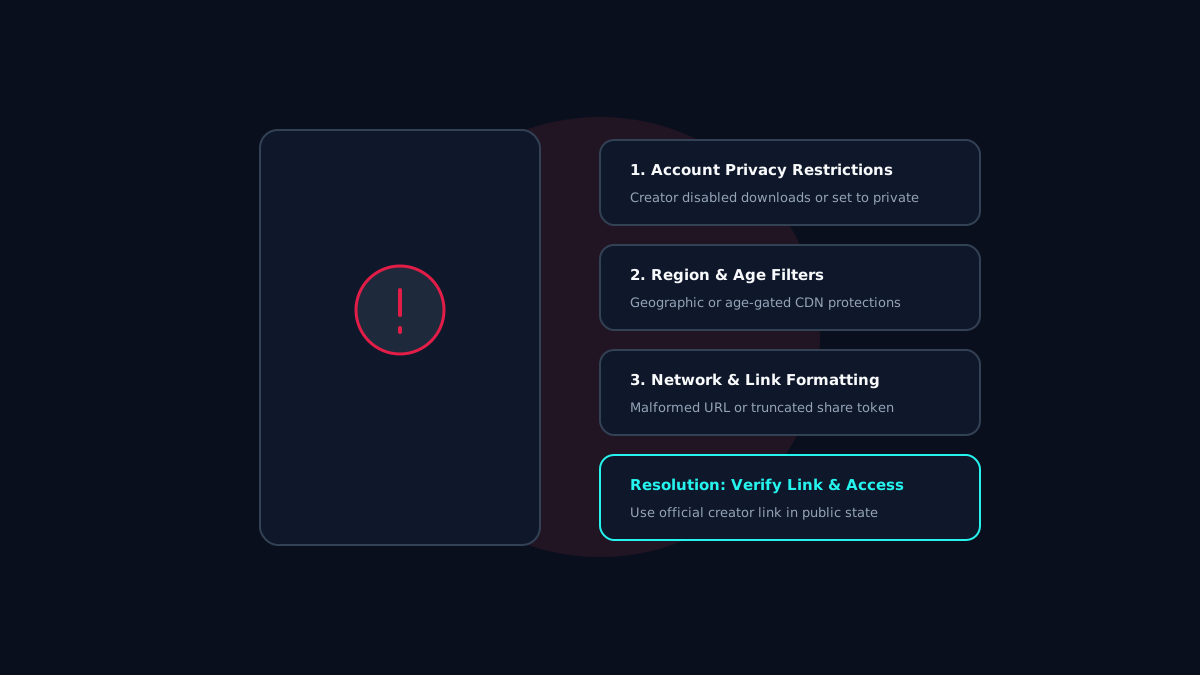
If a TikTok video won't download, it is typically because: 1) the creator set the account or video to Private, 2) the video was removed or flagged by moderation, 3) the share link was truncated or incomplete, or 4) the video is age-gated or region-restricted by TikTok's CDN.
Why TikTok Video Downloads Fail
Encountering an error message like "Video not found", "Unable to resolve stream", or a failed download button is common when interacting with dynamic social networks. Understanding the technical cause helps you quickly determine whether the issue is a temporary connection glitch or an intentional platform restriction.
Reason 1: Creator Privacy and Account Settings
TikTok creators possess granular controls over their content visibility:
Private Accounts: Videos published by private profiles are protected behind authentication barriers. Third-party web downloaders respect these boundaries and cannot access private streams.
Disabled Downloads: While TikTok's native in-app save toggle only controls the in-app download button, videos set to "Friends Only" cannot be parsed by public search crawlers.
Reason 2: Removed or Moderated Content
If a video infringes community guidelines, contains unlicensed music, or was deleted by the author, TikTok immediately purges the clip from its public media indexes. If you attempt to process the link afterward, the server will return an HTTP 404 Not Found error.
Reason 3: Malformed or Truncated Links
Share links generated from mobile apps frequently include tracking tokens (e.g., `?is_from_webapp=1&sender_device=pc`). If characters are truncated while copying, the URL cannot be resolved.
Certain clips are subject to geographic distribution licenses or age confirmation gates. If TikTok restricts a video's delivery to specific countries, external servers located outside that region may receive an access-denied response.
Step-by-Step Fixes for Mobile and PC
**Verify Video Status:** Open the video link in a private/incognito browser window. If you cannot watch the video publicly without logging in, an external tool cannot parse it.
**Re-Copy the Clean Link:** Tap *Share -> Copy Link* again to ensure the link contains the complete video ID.
**Clear Browser Cache:** Clear temporary cookies and refresh TTsave.co before pasting.
Frequently Asked Questions
Can TTsave bypass creator privacy settings to download private clips?
No. TTsave strictly complies with international privacy standards and creator settings. We never bypass technical protections or access private accounts.
Why does TTsave say "Unable to resolve media stream"?
This occurs if the video was recently deleted, made private, or if the link copied was incomplete.
Need to Save Authorized Media or Personal Content?
Use TTsave to download your TikTok videos, reels, and stories in 1080p Full HD or convert to 320kbps MP3 audio without watermarks. Completely free, no registration required.